16.10. Partial Domain
User can define the inactive domain over the workpiece using the window definition options. This inactive domain will be excluded from the calculations even if it is within the active domain angle. Inactive domain can be defined from the Property page of the Workpiece. When we select Partial domain solver, we can see “Partial domain” tab instead of “RSE” tab in Property page. InPartial domain solver tab, we can add the Inactive domain window to the table by using “ ” button. We can define inactive domain window using Cylinder window option. Using
 , user can preview the active domain, Fig. 16.10.1. shows the active domain with excluded region from within the active domain angle based on the inactive domain window definition.
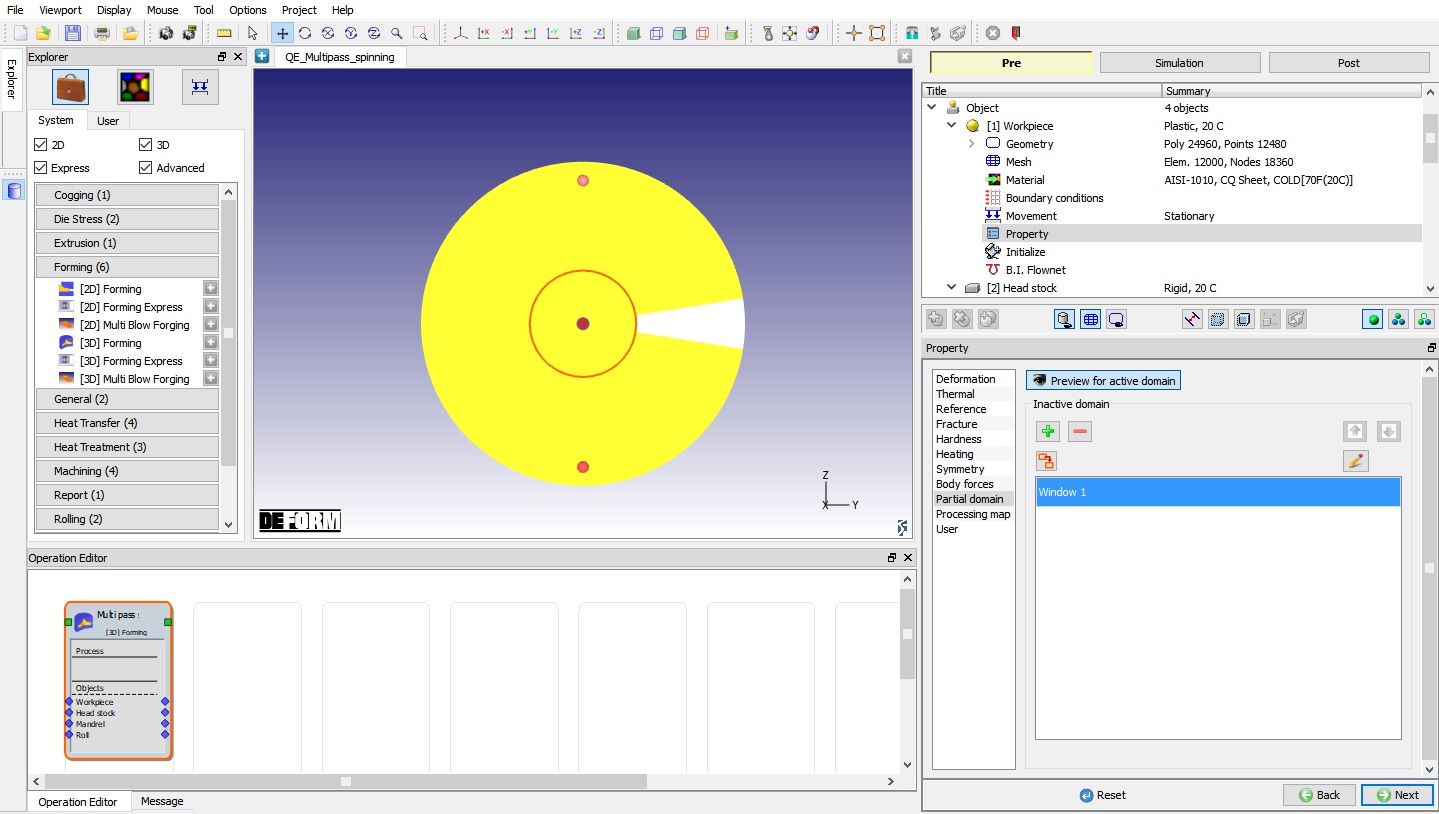
Preview of active domain after adding the inactive domain window
Related Topics: